Most Employee Experience (EX) platforms fail frontline workers because they are designed for desktop-bound, email-centric office staff. They lack mobile-first accessibility, require complex authentication, and prioritize top-down corporate news over the operational tools, real-time communication, and community features that deskless teams actually need to perform their jobs.
Table of Contents
- The Reality Check: Sarah’s Morning
- Bridging the Gap Between HQ and the Frontline
- Why Traditional EX Platforms Don’t Work: The 3 Failures
- Comparison: Traditional Intranet vs. Frontline-First Platform
- How to Fix It: 3 Steps to a Connected Frontline
- Conclusion: The Future is Mobile-First
- FAQ: Common Questions About Frontline Engagement
The Reality Check: Sarah’s Morning
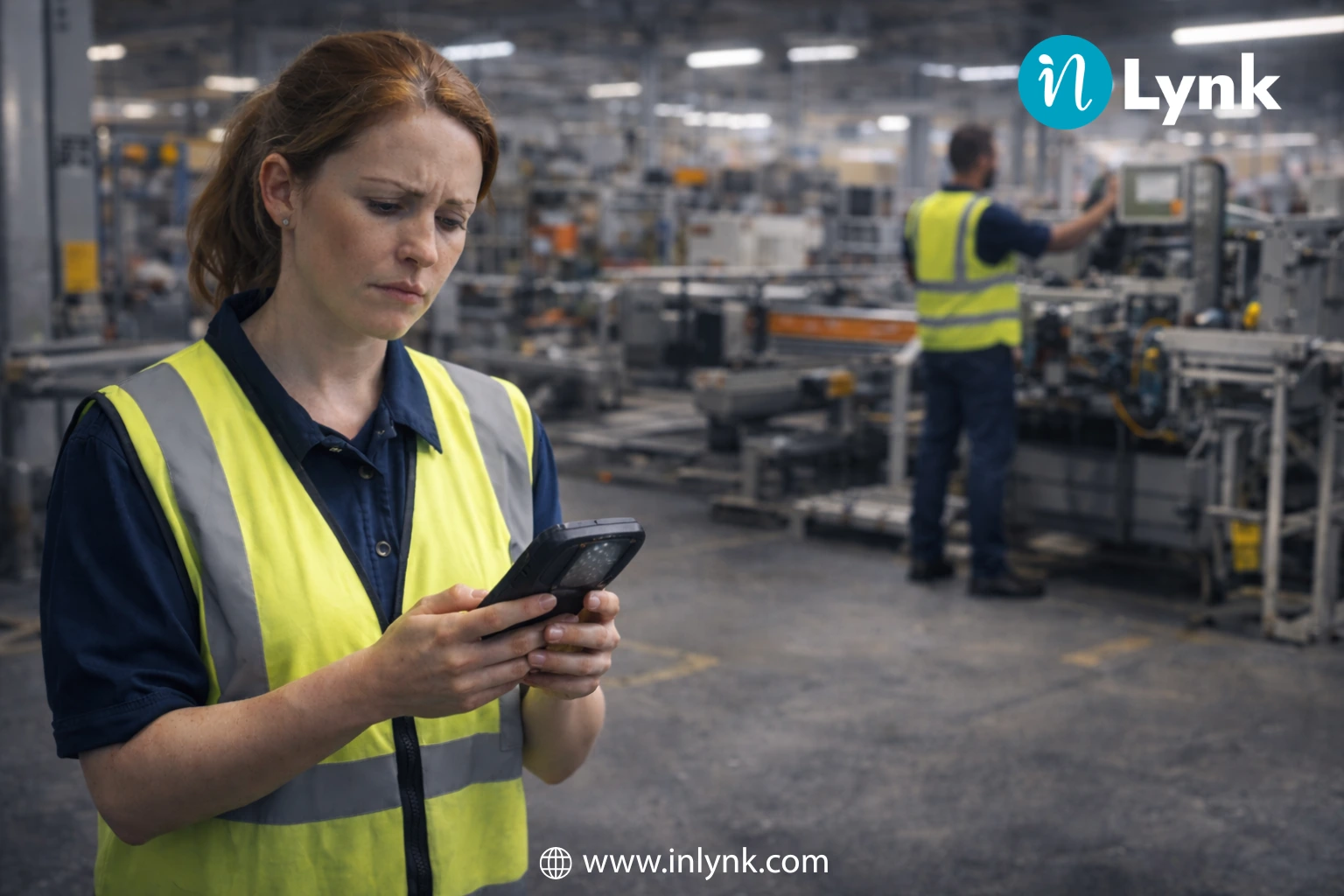
Meet Sarah. She’s a shift lead at a busy logistics center. While her corporate counterparts at HQ start their day with coffee and a sleek, personalized intranet dashboard, Sarah starts hers with a broken scanner and a bulletin board covered in flyers from three months ago.
She doesn’t have a company laptop. She doesn’t have a corporate email address. So, when HQ sends out a critical update about a new safety protocol via an “all-hands” email, Sarah never sees it. She spends her shift disconnected, uninformed, and frustrated—not because she doesn’t care, but because the tools provided were never built for her reality.
Sarah isn’t an outlier; she represents 80% of the global workforce. And the tools designed to connect her are failing.
Bridging the Gap Between HQ and the Frontline
If your organization is like most, your frontline workforce retail associates, healthcare staff, field technicians, and logistics teams makes up roughly 80% of your employees. Yet, according to industry analysis, less than 1% of enterprise software spending has historically focused on their specific needs.
This discrepancy has created a massive engagement gap. While headquarters enjoys seamless Slack integrations and Zoom calls, frontline workers are often left with bulletin boards, WhatsApp groups, or clunky legacy intranets they can’t access without a corporate email address.
The result? A disconnect that costs money.
- High Turnover: Recent data indicates frontline turnover rates hover around 45% annually in key sectors like hospitality and retail.
- Burnout: A 2025 study by UKG found that 76% of frontline workers report feeling burned out, often due to a lack of support and inefficient processes.
- The Toggle Tax: Workers waste hours switching between disjointed apps for shifts, tasks, and safety checks, reducing productivity.
Did you want to eliminate the Toggle Tax and boost operational efficiency? -[reaching out to our experts]
Why Traditional EX Platforms Don’t Work for the Frontline
To fix the problem, we must first identify the structural failures of traditional software when applied to a deskless environment.
The Email Barrier
Most legacy platforms rely on Single Sign-On (SSO) linked to a corporate email address (e.g., name@company.com). Frontline workers rarely have these. When an app requires a complex login procedure or a forgotten password reset via email, usage drops to near zero.
Top-Down Monologues vs. Community
Traditional intranets are built for “Comms” teams to push news down to employees. Frontline workers, however, value peer-to-peer connection. They need to swap shifts, ask a manager a quick question, or share a photo of a safety hazard. If the platform doesn’t support two-way, real-time interaction (like a Private Social Network), it will be ignored. For a deeper dive into effective communication, read our guide on employee engagement strategies.
Lack of Operational Relevance
An office worker might log in to read about the CEO’s vision. A frontline worker logs in to see what they need to do today. If your platform separates “engagement” (culture/news) from “operations” (tasks/files/training), workers will view the engagement app as “fluff” and delete it to save phone storage.
Traditional Intranet vs. Frontline-First Platform
The table below outlines the critical differences between a standard office intranet and a purpose-built Frontline Employee Experience Platform.
| Feature | Traditional Intranet / Office EX | Frontline-First Platform (e.g., Inlynk) |
|---|---|---|
| Primary Access | Desktop / Web Browser | Mobile App (iOS/Android) |
| Authentication | Corporate Email / SSO | Mobile Number / QR Code / Magic Link |
| Communication | Top-Down (Newsletters) | Two-Way (Chat, Feeds, Voice Notes) |
| Content Focus | Corporate Strategy & Long-form | Operational Updates & Micro-learning |
| Integrations | Office 365, Salesforce | Shift Management, Task Lists, Safety Logs |
| User Experience | Static Pages | Social Feed (Like, Comment, Share) |
Did you want to skip the manual work and stop forcing deskless teams to use desktop tools? — [Try our tool ]-
How to Fix It: 3 Steps to a Connected Frontline
To bridge the gap, organizations must move away from “adapting” office tools and start implementing Deskless Worker Engagement strategies that are native to the mobile experience.
Step 1: Unify Your Digital HQ
Fragmented tools are the enemy of adoption. Instead of one app for chat, one for HR, and one for tasks, use a Unified Platform.
- Centralize Assets: Use a shared centralized resource hub where workers can access training manuals, safety protocols, and brand assets instantly on their phones.
- Consolidate Comms: Merge urgent operational updates with cultural news in a single “News Feed” that mimics the consumer apps they already love. You can explore our powerful features to see how this consolidation works in practice.
Step 2: Democratize Access (No Email Needed)
Remove the friction of logging in. Best-in-class platforms allow onboarding via mobile phone numbers or employee IDs. This simple switch can increase platform adoption rates by over 50% in the first month. According to Emergence Capital, the deskless workforce is the “forgotten workforce” regarding tech investment, making accessible tools a critical competitive advantage.
Step 3: Enable “Bottom-Up” Innovation
Give your frontline a voice. Features like digital suggestion boxes, peer-to-peer recognition badges, and open comment sections allow workers to share on-the-ground insights. This not only boosts morale but often highlights operational inefficiencies that HQ would never spot. Learn more about bridging these gaps in our article on hybrid and deskless engagement.
Want to see this in action?
We can show you exactly how a unified “Digital HQ” transforms culture. [Book a personalized demo] today.
Conclusion: The Future is Mobile-First
The era of “deskless” meaning “disconnected” is over. Organizations can no longer afford to treat their frontline workers as second-class digital citizens. By moving away from email-centric, desktop-first intranets and adopting a unified, mobile-first Employee Experience Platform, you solve the twin problems of low engagement and high turnover.
The technology exists to give Sarah, and millions like her, the same level of connection and efficiency as the CEO. The only question remaining is: are you ready to provide it?
FAQ: Frontline Employee Experience
What is a Frontline Employee Experience Platform?
A Frontline Employee Experience Platform is a mobile-first digital workspace designed specifically for deskless workers (retail, healthcare, manufacturing). Unlike traditional intranets, it combines internal communication, task management, and operational tools into a single app that doesn’t require a corporate email address to access.
Why is deskless worker engagement difficult?
Engagement is difficult because deskless workers are physically disconnected from headquarters and often lack access to corporate computers. They frequently suffer from “information silos” where they miss out on company updates, leading to lower morale and higher turnover compared to their office-based counterparts.
How can I improve Internal Communication for Frontline staff?
To improve communication, switch from long-form emails to short, visual updates delivered via a mobile app with push notifications. Utilize a private social network format that allows for comments and reactions, ensuring communication is a two-way conversation rather than a broadcast.
Leave a Reply